
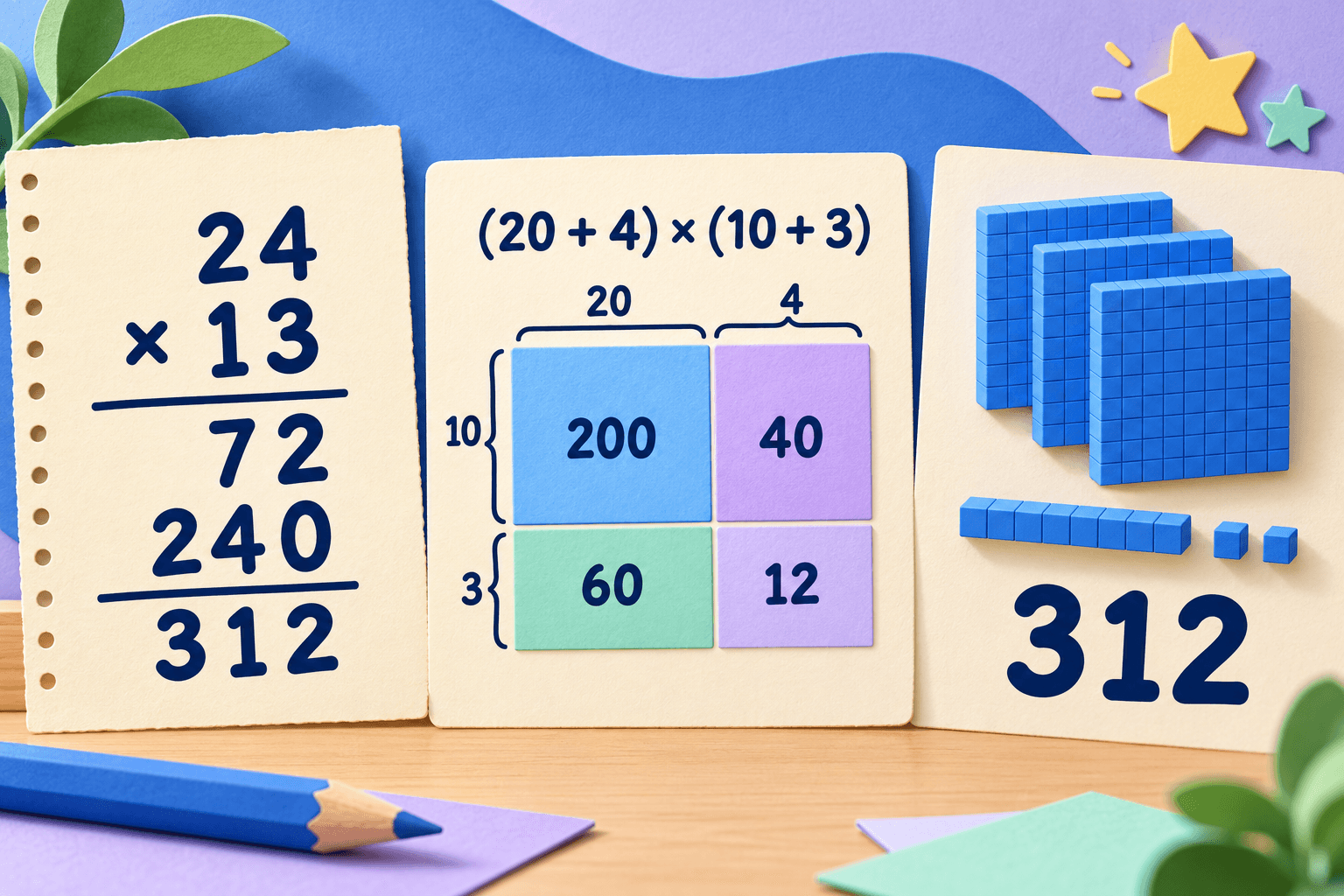
“The picture helped me see where 240 came from.”
For Grades 4–6 students and the parents who support them.
Understand math.Practice with purpose.Keep what you learn.
Turn a Grades 4–6 problem into a visual lesson, checked practice, and knowledge you choose to save.
No account. Your Library isn't sent to a school.
Screen recording coming soon
The full MathLens app
A complete screen recording—from opening a problem to reviewing practice and saved Knowledge—will go here.
Part 01
Understand any problem
Build understanding of the ideas and formulas behind each question.
Screen recording coming soon
From question to lesson
See a problem become a visual, step-by-step explanation.
See it another way
Try simpler words, a bar model, or a small example.
Explore the idea
Use diagrams and step-by-step visual explanations.
Understand the why
Learn what a concept means, why a formula works, and when to use it.
Stay in control
Review each explanation and choose what helps.
Part 02
Practice with purpose
Use what you just learned. Write your work before answers appear.
Screen recording coming soon
From lesson to practice
See a related practice paper, your working, and checked answers.
Practice the same skill
Build a paper from a concept you have studied.
Check your work
Submit to see checked answers, review mistakes, and try again.
Write it yourself
Work through each question before answers appear.
Choose your pace
Use a timed paper when you are ready for a challenge.
Part 03
Build your knowledge map
Keep the ideas you choose. See how they connect.
Screen recording coming soon
From solved problem to knowledge
See how reviewed concepts grow into a map you control.
You choose what to keep
Review suggested concepts and formulas before saving them.
See how ideas connect
Build a map from concepts and links you have saved.
Track your learning
See saved answers, topics, practice days, and what to revisit.
No second AI subscription
Use the AI app your family already has for MathLens’s assisted features.

Works with a parent’s existing app
 Codex
Codex Claude
AI-assisted lessons, Knowledge suggestions, feedback, and replies use a parent’s own app and sign-in. MathLens does not bundle those tools or a second AI plan.
The parent manages setup and access.
Student feedback
What students might say
Example names and comments are illustrative.
“I didn’t just get the answer. I learned where it came from, and why the steps work.”
“I like seeing the picture and the numbers together.”
“Now I know why we split the multiplication into smaller parts.”
“I got to try it myself before I saw the answers.”
“Working through one step at a time makes it less confusing. I can take my time and think.”
“I found my mistake and knew what to try next.”
“Practicing a similar problem helped the idea stick.”
“Now I understand why the formula works.”
“It’s easier when the formula has a picture to go with it. Then I can remember what it means.”
“I can see what to try next instead of guessing.”
“Math feels less like memorizing and more like understanding.”
Learning stays on this Mac
A one-student Mac app, built around privacy and offline learning.
- macOS 14 or later
- Lessons work offline
- Offline Library search
- Offline practice
- Export lessons as HTML
- Photos stay on this Mac
- On-device spoken voice
- One student per Mac
- Four interface and lesson languages
- Light, dark, or larger text
Questions, answered
What does MathLens check?
Relative speed and bounded whole-number multiplication can be checked on this Mac. Other skills use saved questions or AI candidates that remain discussion practice until MathLens checks them.
Does MathLens include an AI assistant?
No. AI-assisted features use a parent’s Codex or Claude app and sign-in. A reply is a conversation, not a checked answer.
Does MathLens grade mastery?
No. Progress shows saved answers, topics, and practice days. Scores are estimates, and topics without observed evidence are marked not assessed yet.
What works offline?
Saved lessons, Library search, and practice work offline. Saved lessons can be exported as HTML. MathLens requires macOS 14 or later.
Pricing
Choose your plan
Choose $9.99 per month or a one-time purchase of $49 USD.
Monthly plan
$9.99USD / month
One-time purchase
$49USD · once
Checkout and installer links will be enabled when they are configured. AI-assisted features use a parent’s existing AI app and are not a second AI subscription.